More pixels are not free focus. Discord on a second screen is productivity; three mismatched panels is a NASA reject.
Assign roles
- Primary: game, correct Hz and size
- Secondary: chat, browser, OBS, reference
- Avoid two “mains” fighting for eye line
Alignment
Match heights roughly. Angles should be gentle. If the secondary is a dusty 1080p hand-me-down, that’s fine—just don’t put it where you constantly twist.
Ultrawide vs dual
Ultrawide is immersion and fewer bezels. Dual is flexible windows. Competitive players often prefer clean 16:9 primary plus a small secondary.
GPU tax
Extra desktop pixels cost something. Gaming on one panel while the second idles is normal—just know your limits when both are wallpaper engines on fire.
Starting points from the Cave shelf
Open the product page, confirm fit and ratings on the live Amazon listing, then decide.

Samsung Odyssey Gaming Monitor
High-refresh curved panels for FPS & sim.

LG UltraGear Gaming Monitor
1ms IPS / VA options for competitive setups.

Standing Gaming Desk
Height-adjustable desks for all-day sessions.
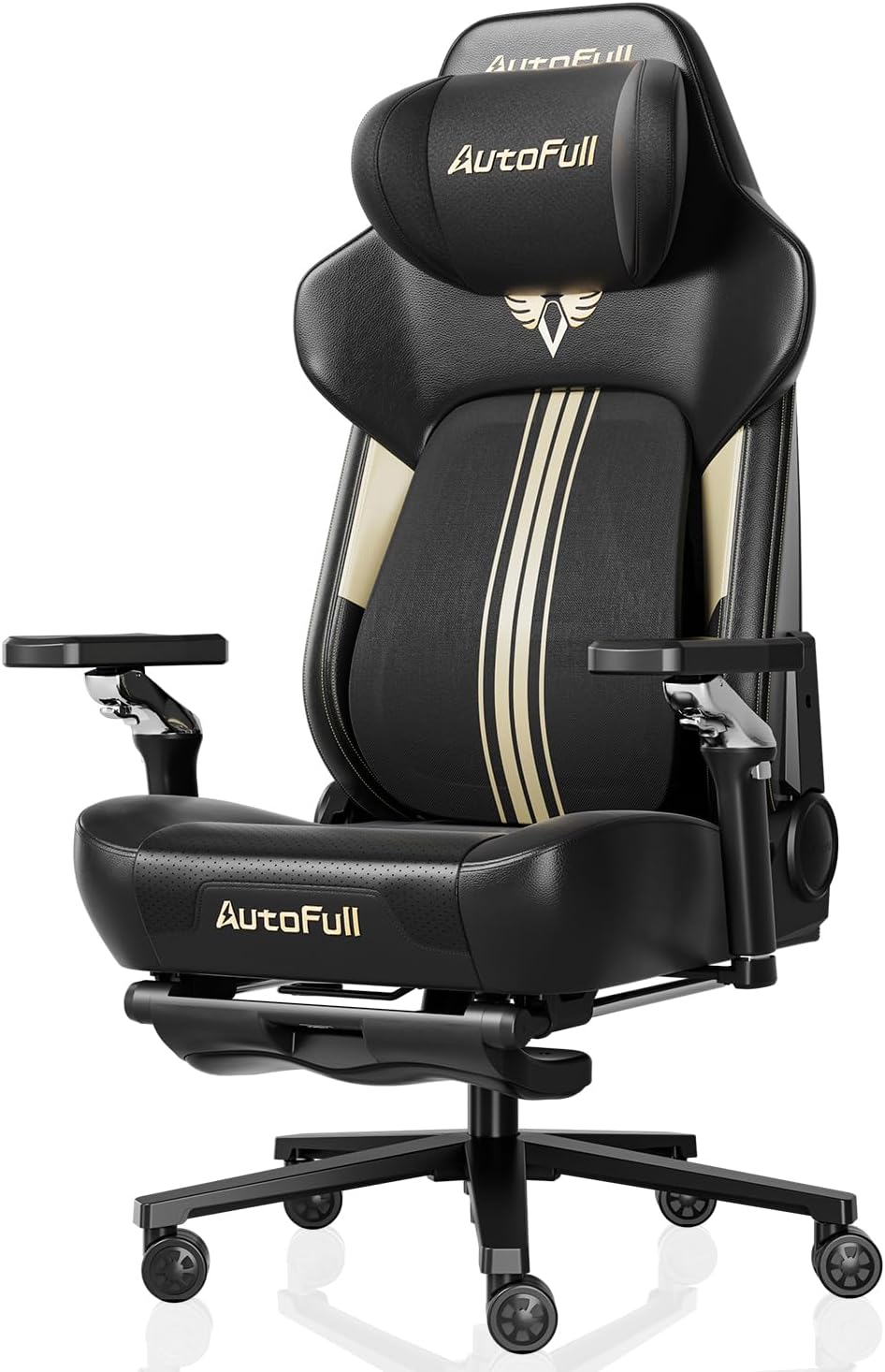
Secretlab TITAN Evo Gaming Chair
Long-session ergonomics for the cave.

Elgato Stream Deck MK.2
LCD keys for OBS, scenes, and macros.

Logitech G Pro X Superlight
Featherweight esports wireless mouse.
Straight answers
Why checkout on Amazon?
Chrome Cave curates and explains. Amazon handles live price, Prime shipping, and returns for that listing. Always confirm details on Amazon before you buy.
Will this work with my exact PC/console?
Check the live listing for platform support, connectors, and power. Our notes are decision frameworks—your ports and GPU reality still win.
Different resolutions okay?
Yes. Keep the game on the better panel. Scaling annoyance is a Windows tax you can live with.
Do I need matching brands?
No. Matching height and role matters more than matching logos.