Standing desks fail when the only “ergonomics” was an Instagram panel. The win is changing posture during long sessions—not standing eight hours like a mall greeter.
Why gamers buy them
Raid nights and work-from-home share a spine. Alternating sit/stand reduces fatigue for many people. If you never stand for more than a loading screen, save the money.
Height range
Elbows near 90° when typing/mousing. Shoulders down. If the desk can’t reach your standing elbow height, it’s the wrong frame.
Monitor position
Top of screen near eye level for most setups; arms help if the desk moves. Dual monitors need a plan or you’ll crane your neck into permanent sidequest pain.
Cable slack
Standing desks need service loops. Cable chains exist because yanked GPUs and ripped USB ports also exist.
Starting points from the Cave shelf
Open the product page, confirm fit and ratings on the live Amazon listing, then decide.

Standing Gaming Desk
Height-adjustable desks for all-day sessions.
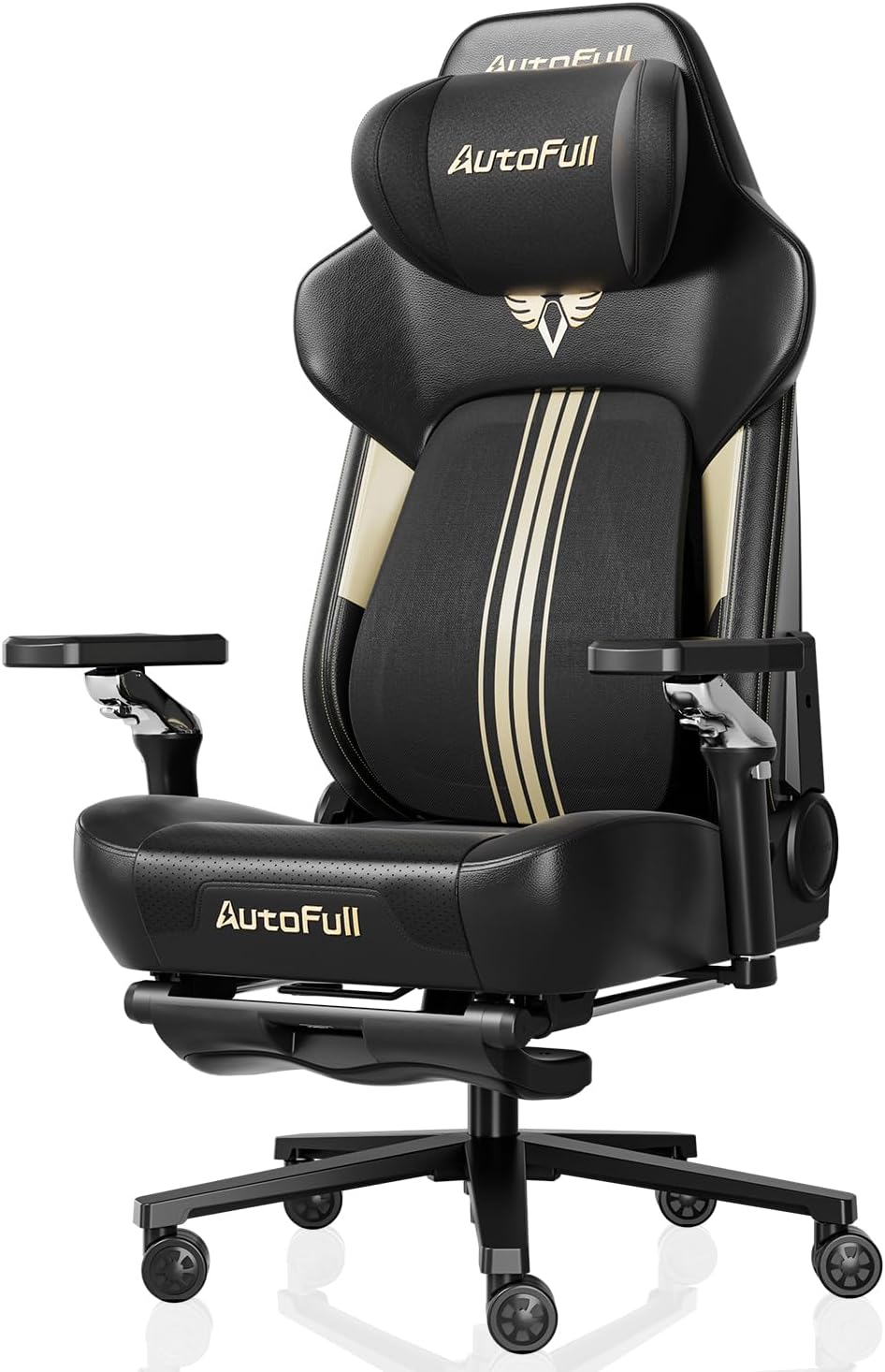
Secretlab TITAN Evo Gaming Chair
Long-session ergonomics for the cave.

Samsung Odyssey Gaming Monitor
High-refresh curved panels for FPS & sim.

LG UltraGear Gaming Monitor
1ms IPS / VA options for competitive setups.

Logitech G Pro X Superlight
Featherweight esports wireless mouse.

Elgato Stream Deck MK.2
LCD keys for OBS, scenes, and macros.
Straight answers
Why checkout on Amazon?
Chrome Cave curates and explains. Amazon handles live price, Prime shipping, and returns for that listing. Always confirm details on Amazon before you buy.
Will this work with my exact PC/console?
Check the live listing for platform support, connectors, and power. Our notes are decision frameworks—your ports and GPU reality still win.
How long should I stand?
Start in short blocks. Comfort and focus beat macho all-day standing. Your legs will file feedback.
Do I still need a good chair?
Yes. You’ll sit. A desk upgrade is not a chair replacement.