Monitor regret is usually mismatch: competitive player on a sluggish TV, or cinematic player stuck on a tiny 1080p esports panel. Start with how you play, not the brightest Amazon badge.
GPU honesty first
List the games you actually launch. If you’re GPU-bound at 1440p already, chasing 4K is cosplay. If you live in esports titles with headroom, high Hz at 1080p can be the correct flex.
Resolution lanes
- 1080p high Hz — pure competitive, lower GPU tax
- 1440p 144–180Hz — best all-rounder for most caves
- 4K — only with GPU budget that stays honest at your settings
Refresh rate
Anything ≥144Hz is the modern floor for PC gaming if the GPU can keep up. Jumping 60→144 feels bigger than 144→240 for most people. Console docks and limited Hz outputs change the math—read the port list.
Panel without the war
IPS: colors and viewing angles. VA: contrast, sometimes slower pixel response. Specs sheets lie less than influencers, more than your eyes in a store under fluorescent light—read return windows.
Starting points from the Cave shelf
Open the product page, confirm fit and ratings on the live Amazon listing, then decide.

Samsung Odyssey Gaming Monitor
High-refresh curved panels for FPS & sim.

LG UltraGear Gaming Monitor
1ms IPS / VA options for competitive setups.

Standing Gaming Desk
Height-adjustable desks for all-day sessions.
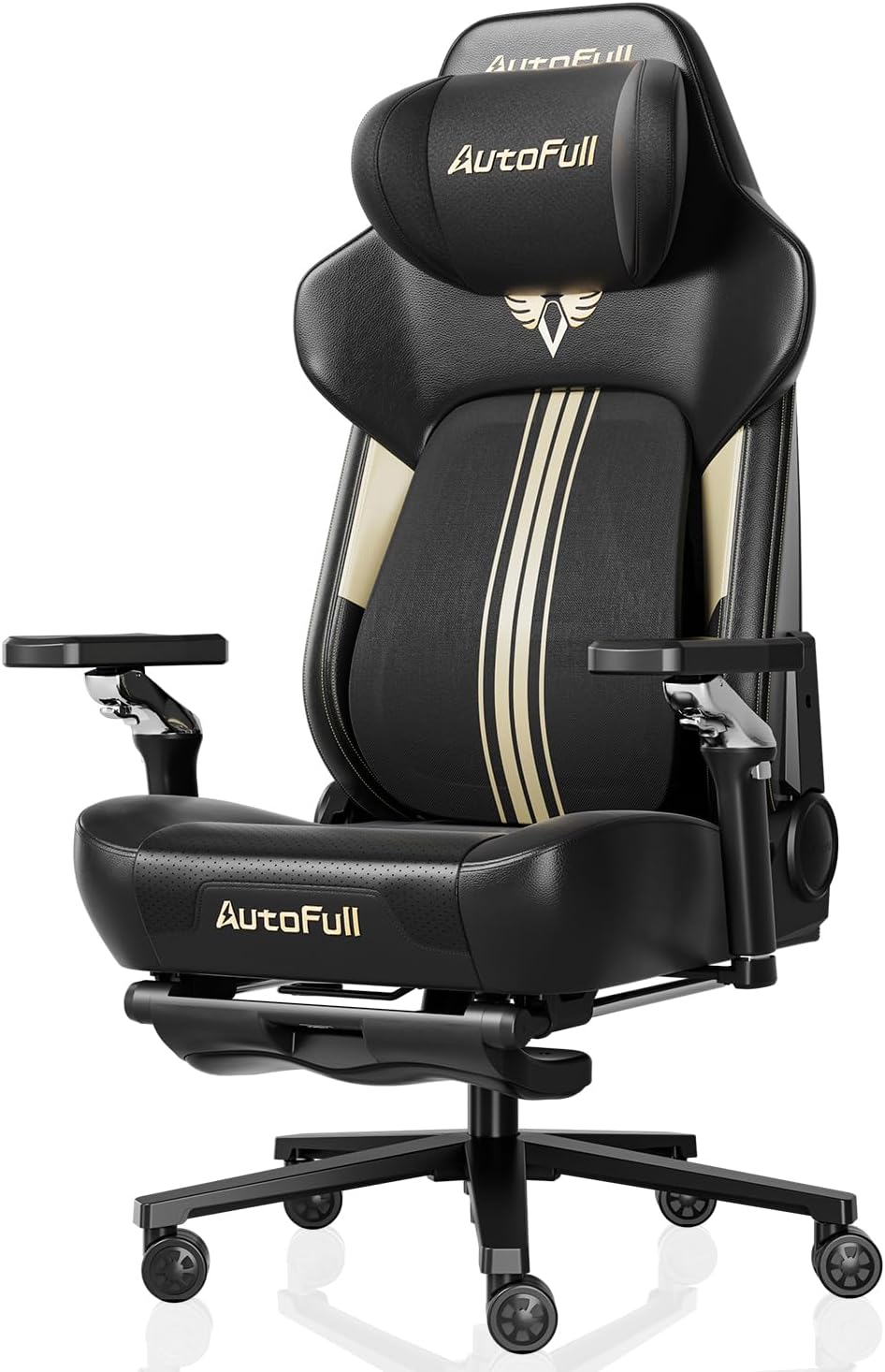
Secretlab TITAN Evo Gaming Chair
Long-session ergonomics for the cave.

Logitech G Pro X Superlight
Featherweight esports wireless mouse.
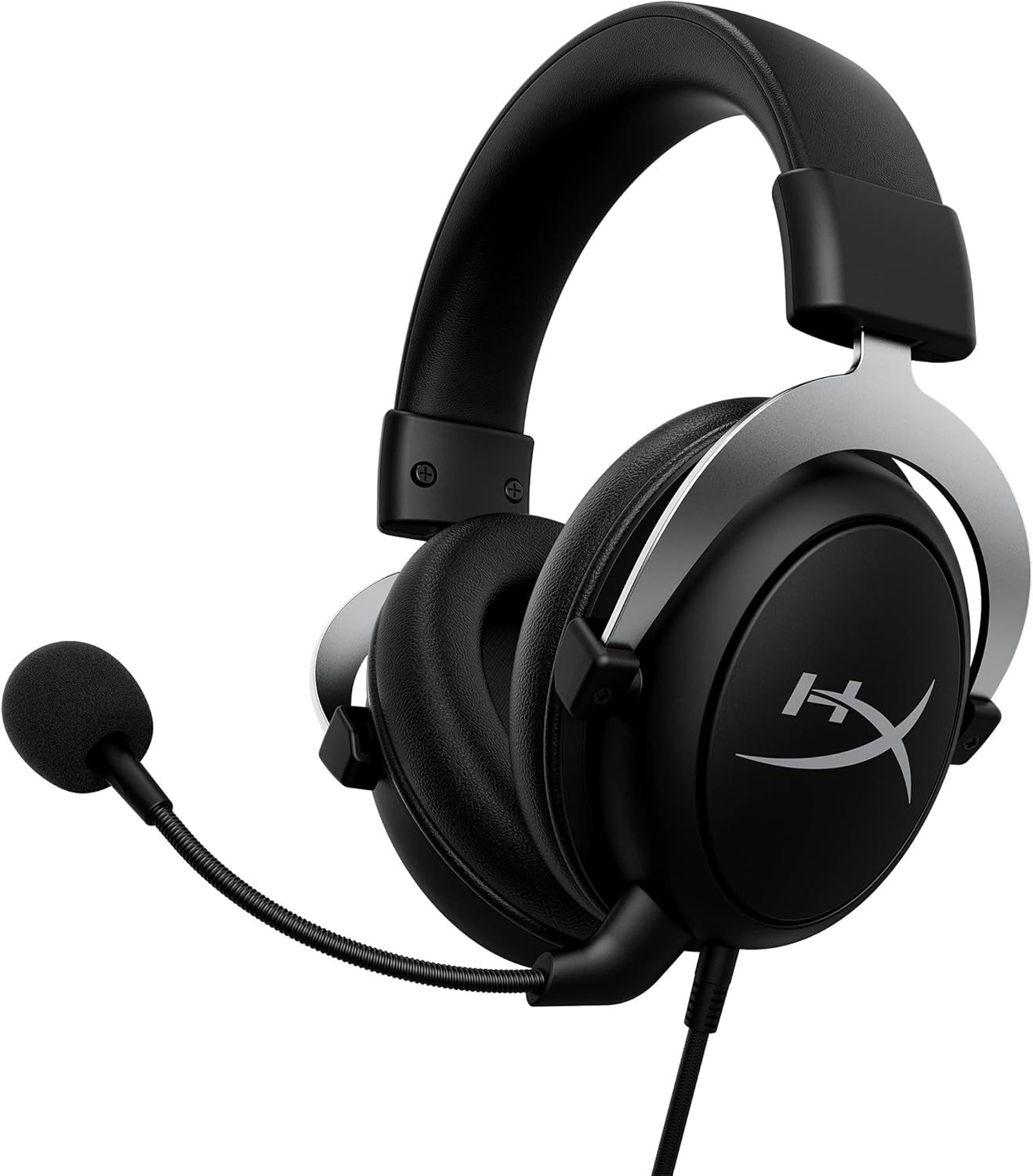
HyperX Cloud II Gaming Headset
Comfort classic with 7.1 virtual surround.
Straight answers
Why checkout on Amazon?
Chrome Cave curates and explains. Amazon handles live price, Prime shipping, and returns for that listing. Always confirm details on Amazon before you buy.
Will this work with my exact PC/console?
Check the live listing for platform support, connectors, and power. Our notes are decision frameworks—your ports and GPU reality still win.
Ultrawide for competitive FPS?
Immersive, not always optimal. Many competitive players stay 16:9 for FOV consistency and aim muscle memory. Ultrawide is a preference, not a free skill upgrade.
Do I need G-Sync/FreeSync?
Variable refresh helps when FPS swings. Adaptive sync support on both GPU and panel is the real checklist—not the logo on the box alone.