Keyboard Twitter will die on hills about foam and thock. Your cave needs a layout that fits the desk and a switch that doesn’t make you hate typing Discord essays.
Size lanes
- Full size — numpad users and spreadsheets between matches
- TKL — common sweet spot for mouse space
- 75% / 65% — compact with most keys
- 60% — minimal; layers required
Switches without the cult
Linear for smooth spam, tactile for feedback, clicky if you live alone or enjoy conflict. Hot-swap is nice if you experiment; not mandatory if you already know your taste.
Game-specific notes
Fighting games and movement tech can prefer certain actuation styles. Rapid-trigger hall boards are a real niche—buy when you know why, not because a thumbnail screamed “MUST.”
Starting points from the Cave shelf
Open the product page, confirm fit and ratings on the live Amazon listing, then decide.
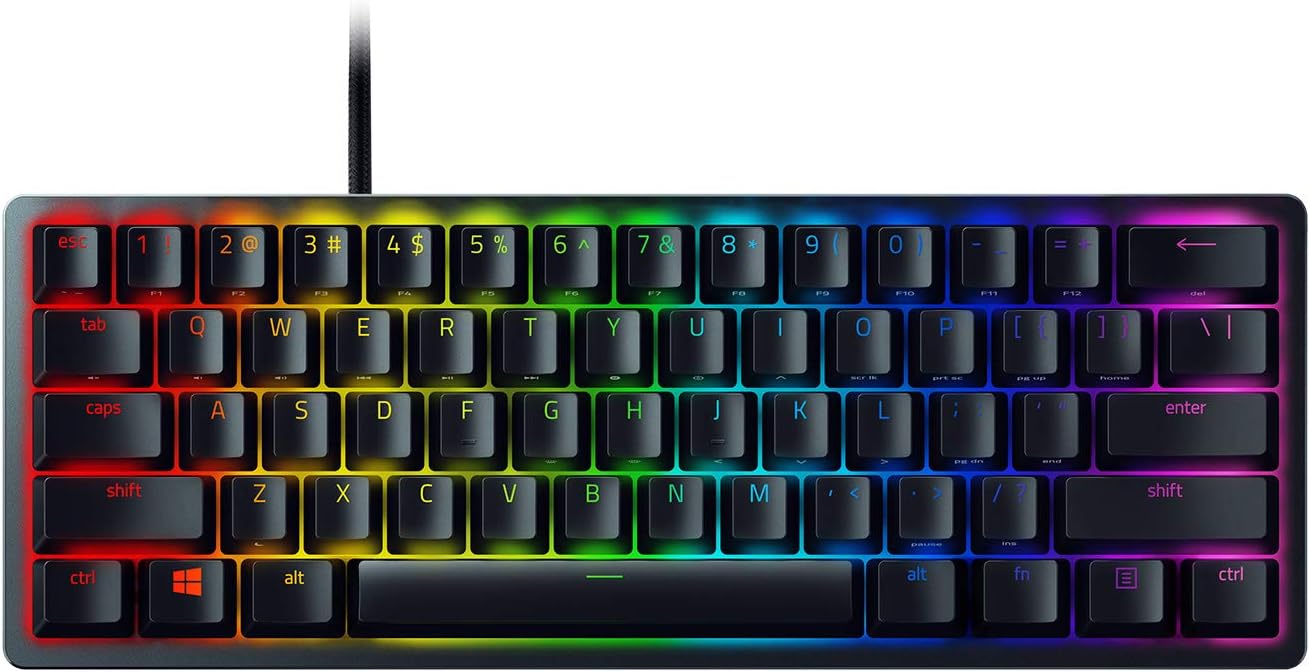
Razer Huntsman Mini
60% optical switch board for tight desks.

Logitech G Pro X Superlight
Featherweight esports wireless mouse.
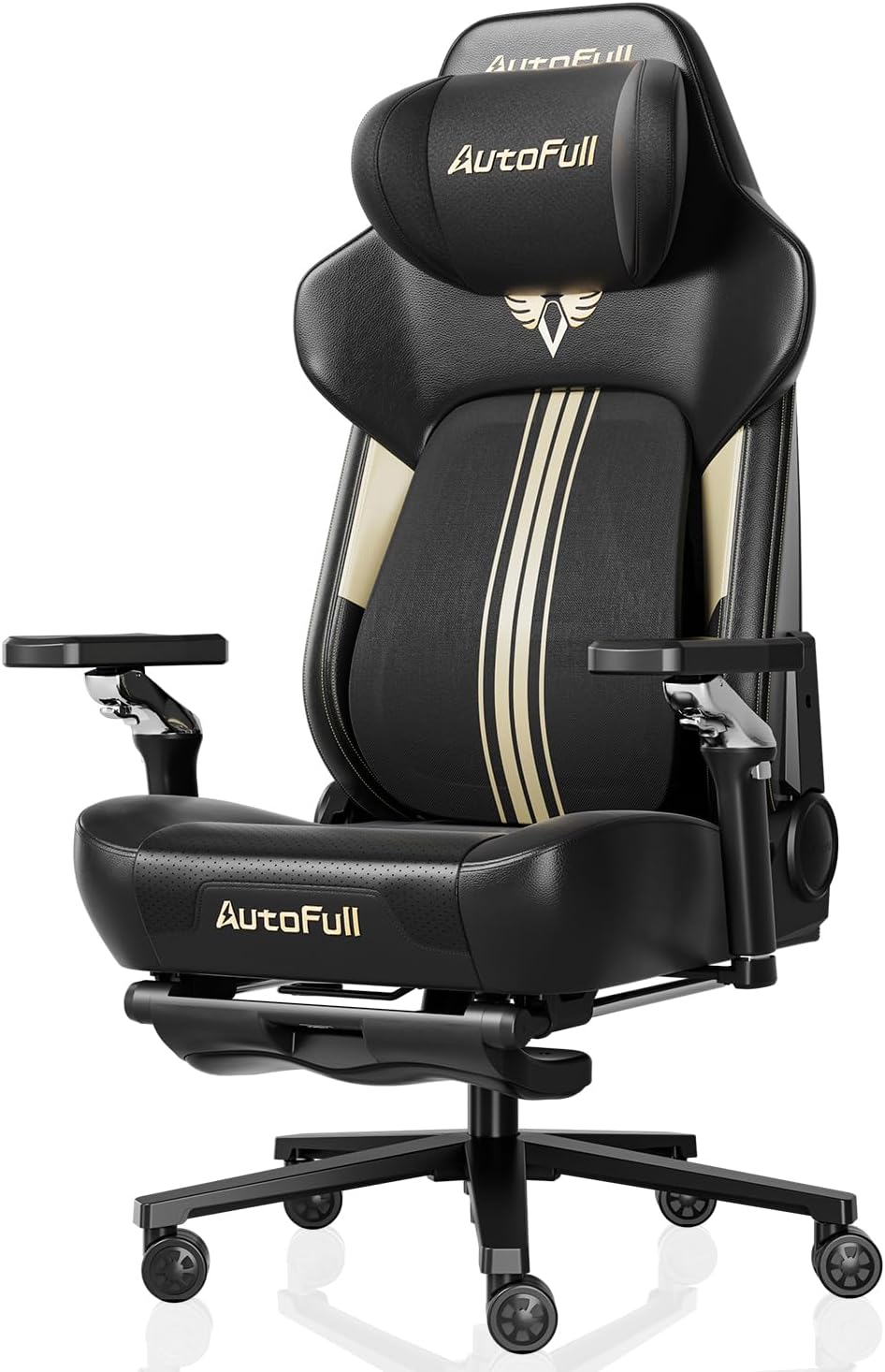
Secretlab TITAN Evo Gaming Chair
Long-session ergonomics for the cave.

SteelSeries Arctis Nova 7
Multi-system wireless with long battery life.

Elgato Stream Deck MK.2
LCD keys for OBS, scenes, and macros.

LG UltraGear Gaming Monitor
1ms IPS / VA options for competitive setups.
Straight answers
Why checkout on Amazon?
Chrome Cave curates and explains. Amazon handles live price, Prime shipping, and returns for that listing. Always confirm details on Amazon before you buy.
Will this work with my exact PC/console?
Check the live listing for platform support, connectors, and power. Our notes are decision frameworks—your ports and GPU reality still win.
Membrane vs mechanical?
Mechanical usually feels better long-term for gaming and typing. Good membrane still exists; don’t upgrade only for RGB.
Do I need a wrist rest?
If it reduces extension pain, yes. If it forces weird shoulders, no. Listen to your joints after a week, not day one hype.