Xbox Wireless Controller

controllers · cave pick

Xbox Wireless Controller

Cross-gen pad for Series X|S, PC & cloud.

~$55 on Amazon (approx.)
★ 4.7 (approx.)

Discover on Chrome Cave. Checkout, shipping, and returns on Amazon.

Signal from the cave

Review snapshot

~4.7 from a large Amazon rating base (approx.)

Still the universal PC + console workhorse: familiar layout, strong wireless stack, and zero drama when you jump from Game Pass to a TV.

What people love

  • Muscle-memory layout across Xbox and most PC games
  • Reliable wireless with Xbox consoles and dongle/Bluetooth options
  • Share button and modern bumper feel for 2020s multiplayer
  • Huge color and special-edition ecosystem

Honest caveats

  • No DualSense-class adaptive triggers or nuanced haptics
  • Bluetooth on Windows can be finicky depending on adapter quality
  • Elite series exists if you need paddles and tension dials
  • Battery packs or AAs mean thinking about power differently than pure USB-C pads

Best for

  • +Xbox Series and Game Pass households
  • +PC players who want the default industry layout
  • +Anyone who swaps between TV and desk constantly

Skip if

  • You want PS5 first-party haptics as the main feature
  • You need rear paddles and adjustable sticks out of the box
  • You refuse disposable or pack batteries entirely

Cave notes

Xbox Wireless remains the safe competitive default

Not flashy. Compatible. That is the feature.

Who this is really for

You want a pad that disappears so the game can show up. Xbox Wireless is for people who bounce between console multiplayer, PC shooters, and cloud sessions without relearning button grammar every time.

If your friends all speak Xbox layout, this is how you stop being the person debugging drivers at party night.

What it does better

Compatibility is the superpower. Most PC games assume this face-button diamond and stick placement. On Series hardware, pairing is boring in the best way. The modern Share button and textured grips are adult quality-of-life, not gimmicks.

Colorways and limited editions make it easy to match a cave aesthetic without buying a whole new ecosystem.

Living with it

Decide early: rechargeable pack or quality AAs. Keep a cable for update nights. On Windows Bluetooth, a clean adapter beats fighting a flaky dongle you found in a drawer.

If your thumbs live in ranked arenas, budget for wear. The standard pad is cheap enough to treat as consumable gear—not a museum piece.

Trade-offs we checked

Against DualSense, you lose immersion toys and gain multi-platform defaults. Against Elite, you lose paddles and gain a saner price. For most caves that touch Xbox or PC weekly, stock Xbox Wireless is still the correct first buy.

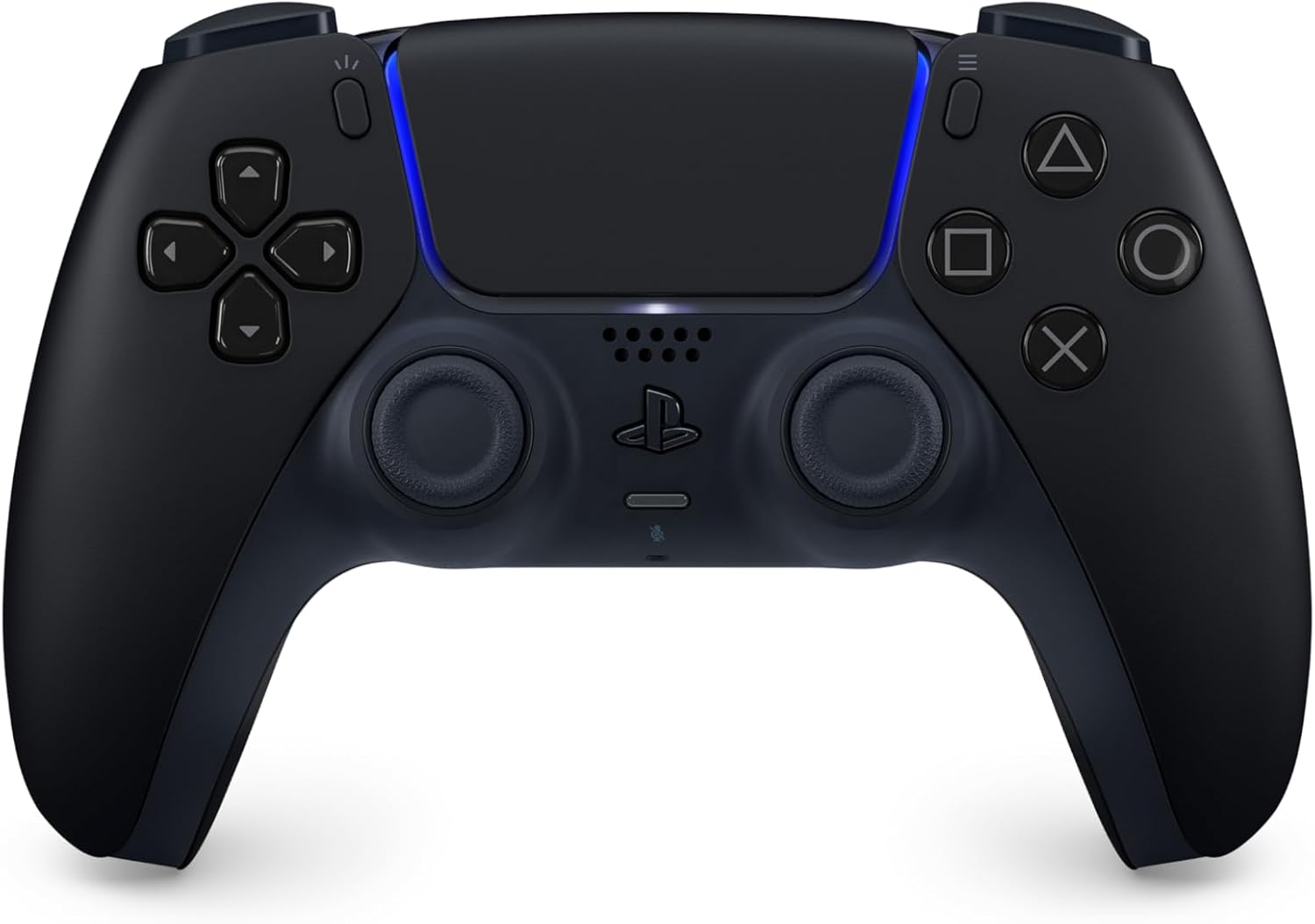
First week

Setup tips

  • Pair on console first, then add PC if you dual-wield ecosystems.
  • Prefer a known-good rechargeable pack over mystery AAs for competitive nights.
  • Map the Share button early so clips are muscle memory.
  • If Bluetooth stutters, try the official wireless adapter before blaming the pad.

Buyer questions

FAQ

Is the Xbox Wireless Controller good for PC?

Yes—it is still the most assumed layout in PC gaming. Use Xbox Wireless Adapter or solid Bluetooth, and confirm each title's controller settings once.

Standard or Elite?

Standard unless you already know you need paddles, stick tension, and hair-trigger locks. Elite is a performance tool, not a status requirement.

Does it work with cloud gaming?

Generally yes on supported platforms. Network quality matters more than the pad once pairing is done.

Why is pricing different here?

We show a typical street range. Amazon listings change with colorways and promotions—check the live price.

Can I use it on PS5?

Not as a native first-class pad. Buy DualSense for PS5-native features; buy Xbox for Xbox/PC muscle memory.

Same lane

Also in the cave